
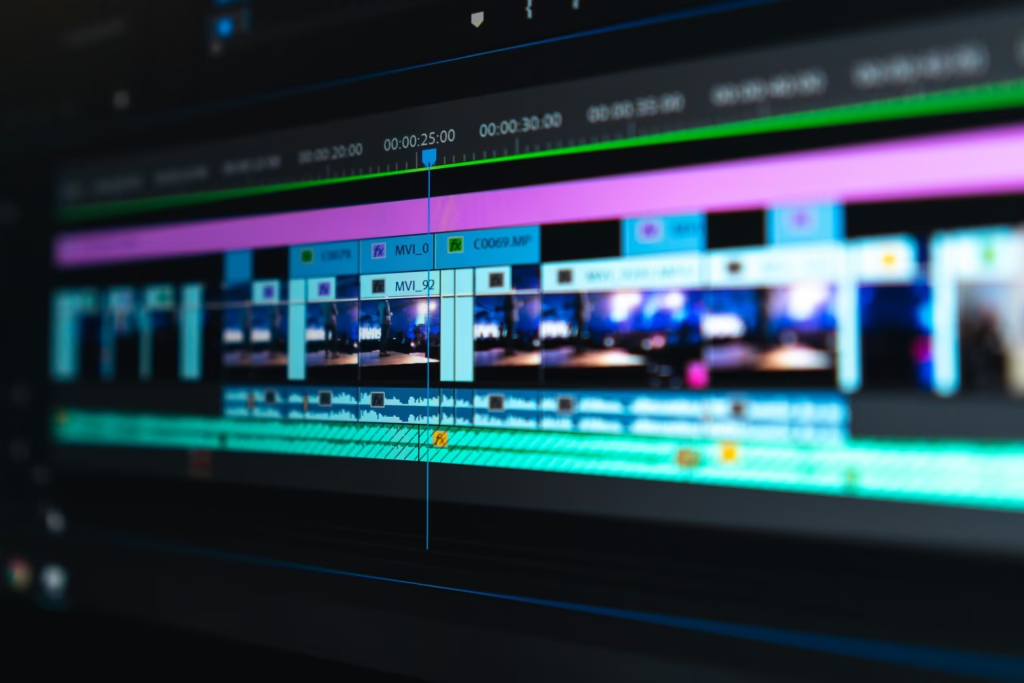
The Art of Video Editing: Turning Raw Footage into a Story
In today’s digital world, video content dominates the internet. From YouTube creators and social media influencers to filmmakers and marketers, everyone relies on video to communicate ideas. However, recording footage is only the beginning. The real magic happens in video editing, where raw clips are transformed into a compelling story.
What is Video Editing?
Video editing is the process of arranging, trimming, and enhancing video clips to create a final polished product. Editors combine footage, sound, graphics, and effects to deliver a message clearly and creatively. Good editing can turn simple clips into a powerful visual experience.
Why Video Editing is Important
Video editing plays a crucial role in content creation. It helps to:
- Remove mistakes and unnecessary parts
- Improve storytelling and pacing
- Add music, transitions, and visual effects
- Enhance video quality with color correction
- Keep viewers engaged from start to finish
Without proper editing, even high-quality footage can look unprofessional or boring.
Popular Video Editing Software
There are many tools available for beginners and professionals. Some popular options include:
- Adobe Premiere Pro – A professional editing software used in films and YouTube production.
- Final Cut Pro – A powerful editing tool popular among Mac users.
- DaVinci Resolve – Known for its advanced color grading features.
- CapCut – A beginner-friendly editor widely used for social media videos.
Each tool offers unique features, but the goal is always the same: create a smooth and engaging video.
Basic Video Editing Techniques
1. Cutting and Trimming
This is the most basic editing step. Editors remove unwanted sections and keep only the best parts.
2. Transitions
Transitions connect clips smoothly. Common examples include fade, dissolve, and slide effects.
3. Adding Music and Sound Effects
Audio plays a huge role in setting the mood of a video. Background music and sound effects make videos more engaging.
4. Color Correction
Color correction adjusts brightness, contrast, and colors to make footage look natural and professional.
5. Text and Titles
Titles, captions, and subtitles help explain content and make videos easier to understand.
Tips for Beginner Video Editors
- Plan your story before editing
- Keep cuts clean and simple
- Avoid overusing transitions and effects
- Match video cuts with music beats
- Practice regularly to improve your skills
The Future of Video Editing
With the rise of artificial intelligence and mobile editing apps, video editing is becoming faster and more accessible. Even beginners can create professional-looking videos using smartphones and AI-powered tools.
Conclusion
Video editing is both a technical skill and a creative art. It allows creators to shape stories, emotions, and ideas into a visual format that audiences love. Whether you want to become a professional editor or simply improve your social media content, learning video editing can open many exciting opportunities in the digital world.